Track bills, due dates, payments, and home-screen widgets — all in one quiet little app that lives entirely on your phone.

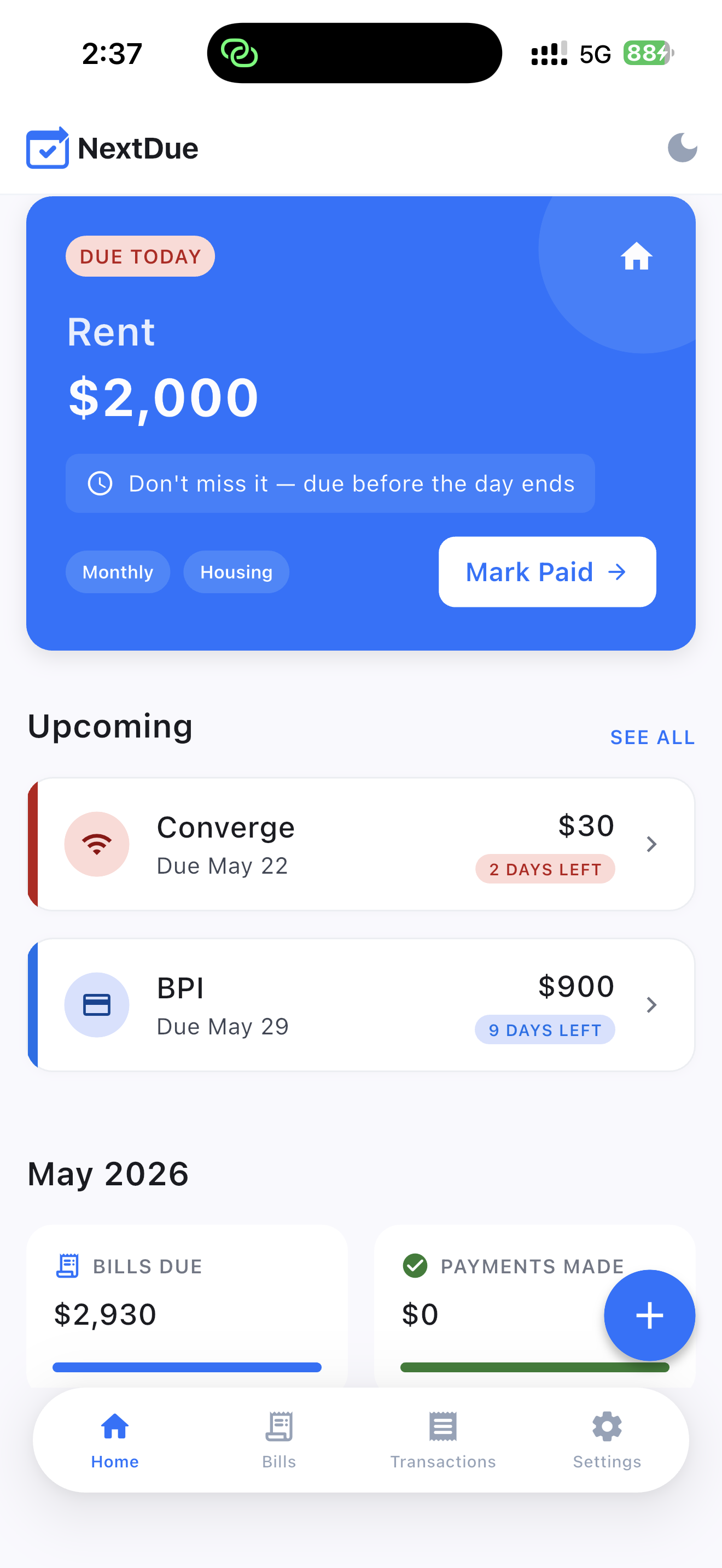
A focused toolkit for staying on top of recurring bills, without the bloat of full-blown finance apps.
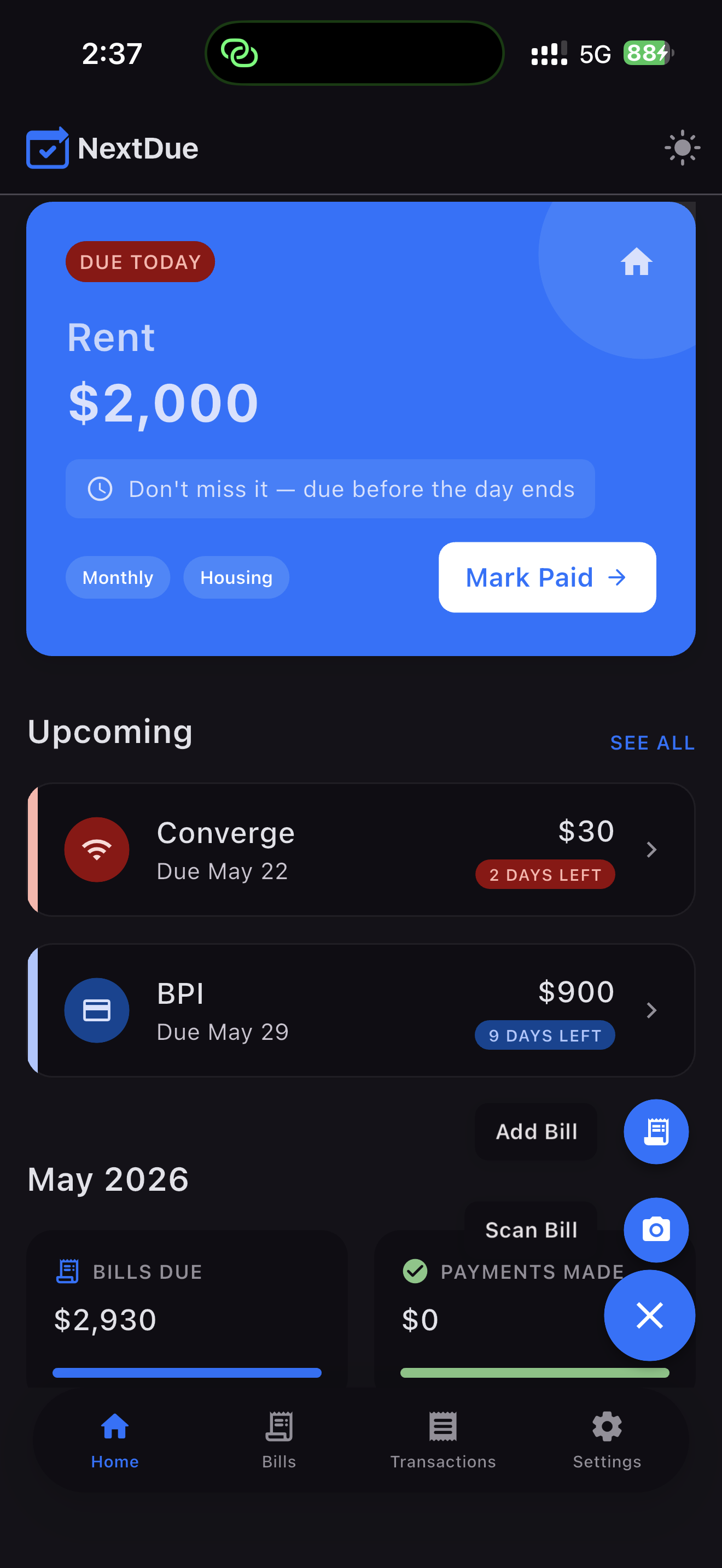
Color-coded countdowns make it obvious what's due today, this week, and later.
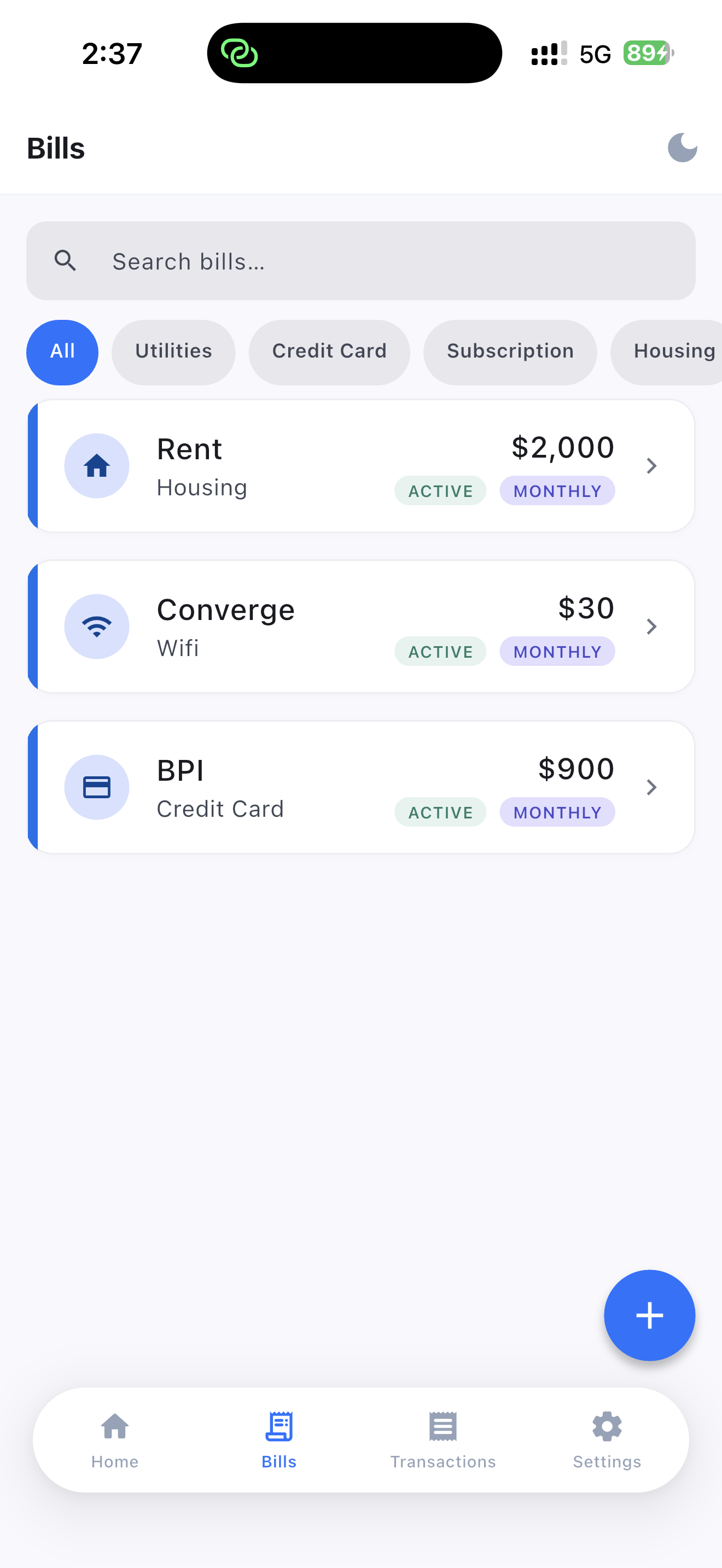
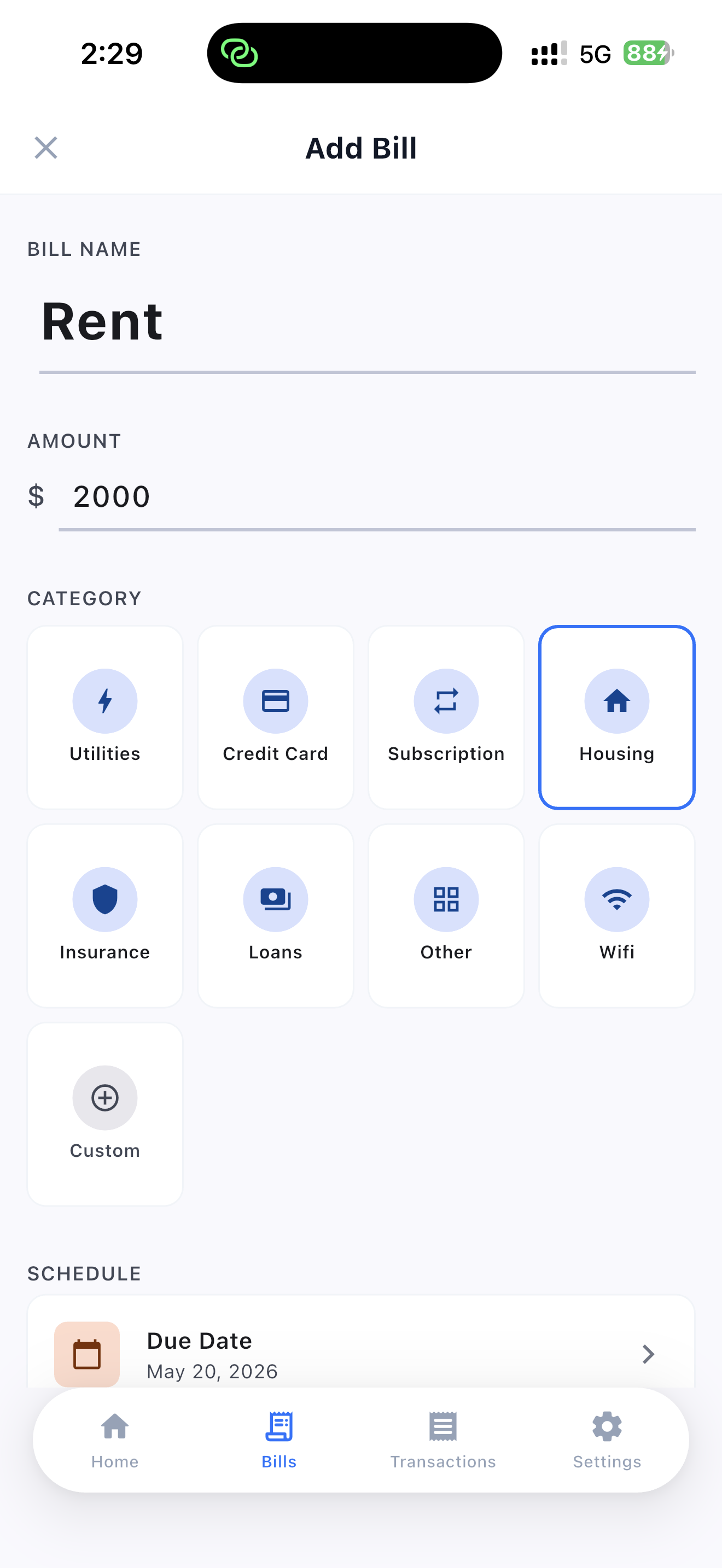
Name, amount, category, schedule. Add a new bill in under ten seconds.
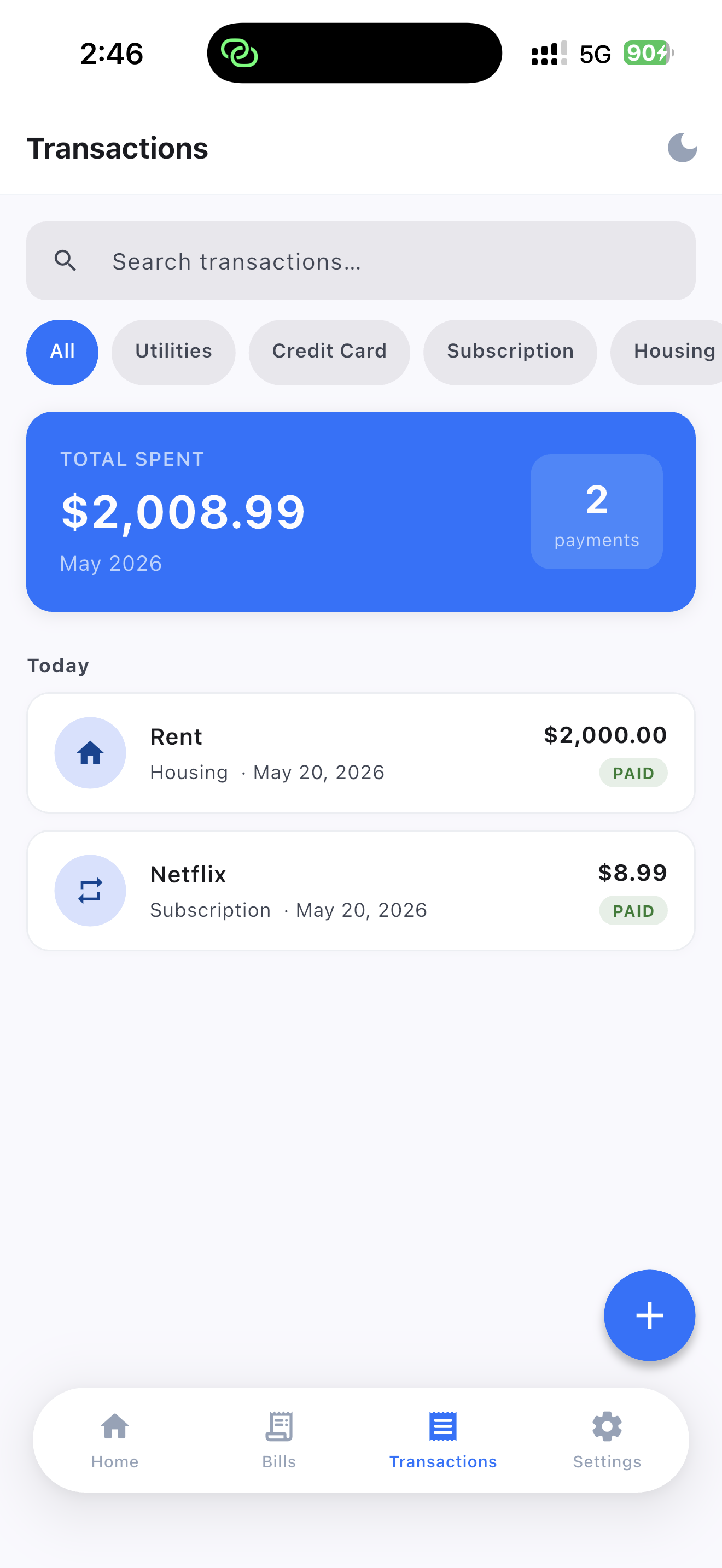
Every "Mark Paid" tap is logged, searchable, and totaled by month.
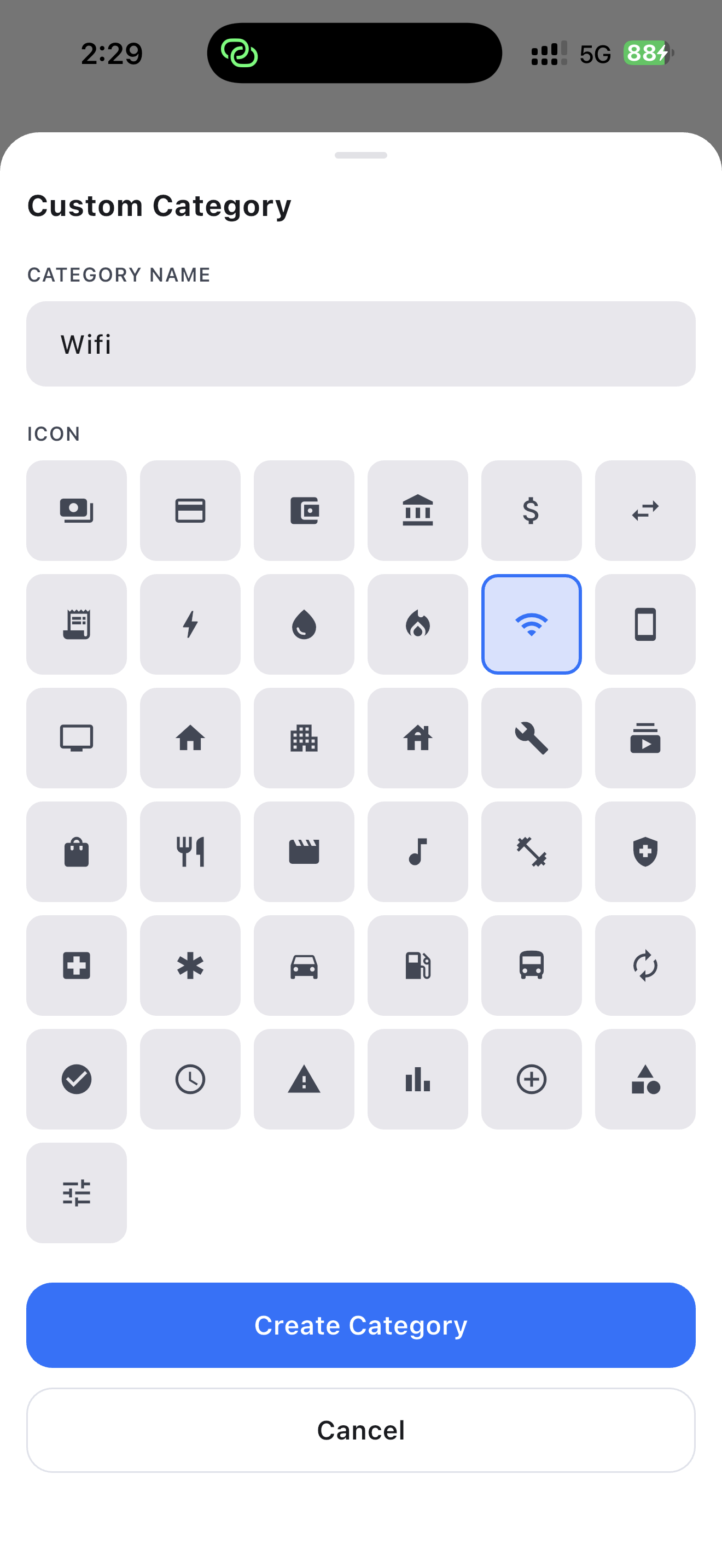
Pick from dozens of icons or build your own to match exactly how you spend.
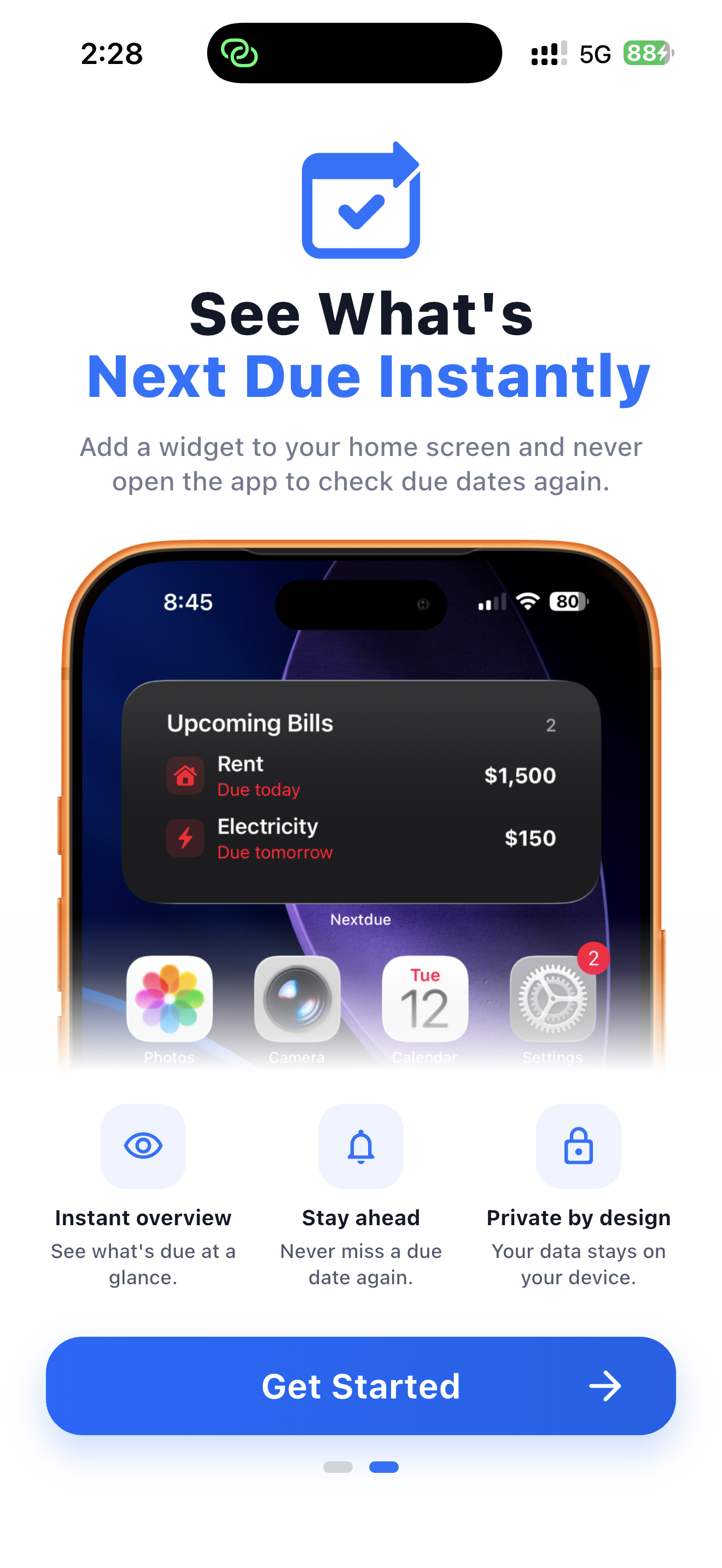
See what's next due on your lock screen and home screen without opening the app.
Bills stay on your device. No accounts, no cloud sync, no analytics.
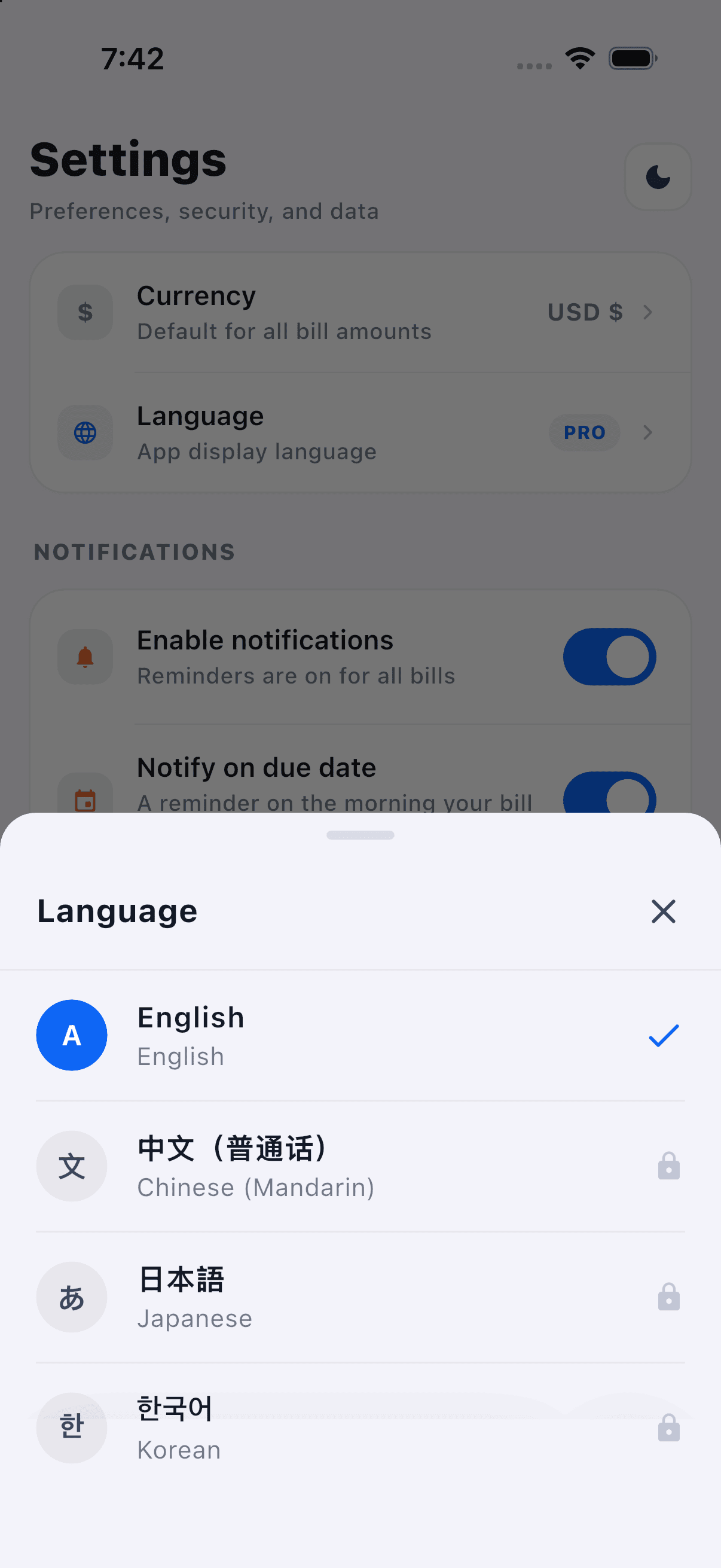
Every screen tuned for iOS — bold type, calm spacing, decisive color. Swipe through the tour.
Point your camera at any paper bill, receipt, or statement. NextDue pulls out the merchant, amount, and due date — you confirm and save in two taps.
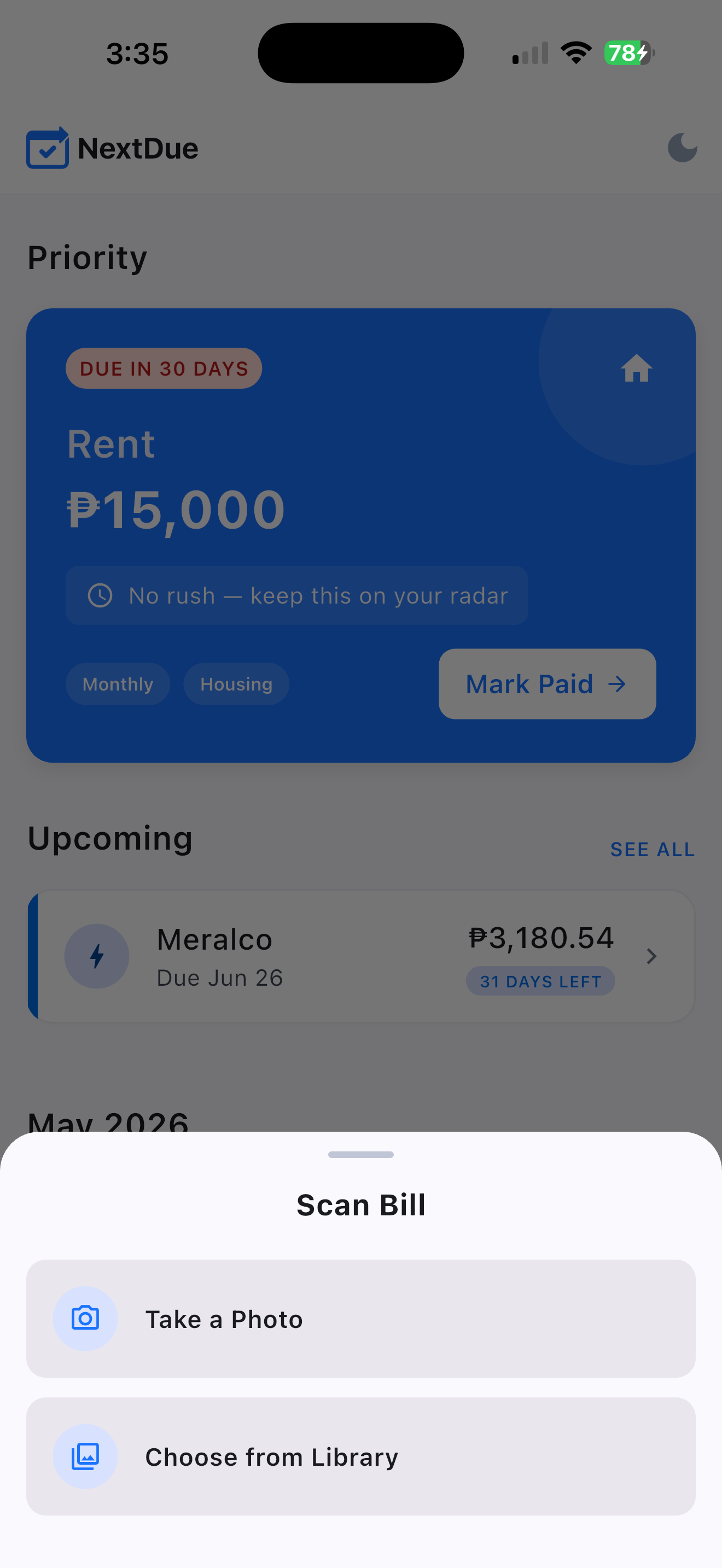
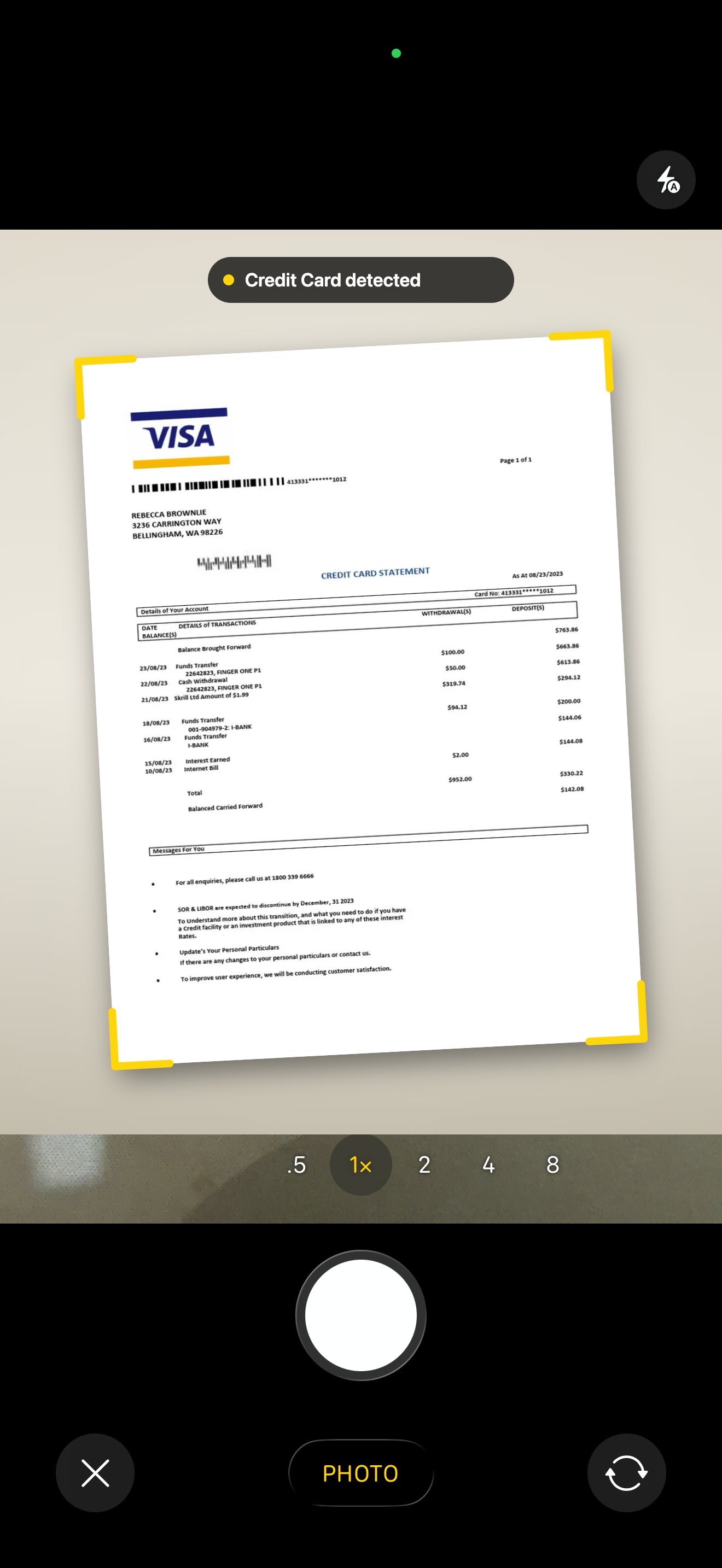
Tap the camera shortcut on the home screen.
Capture a paper bill, or choose a screenshot from your library.
Review the extracted amount and due date, edit if needed, done.
Pin the NextDue widget to your home screen or lock screen and your next two bills are always one glance away — no need to open the app.
NextDue is offline-first. No accounts to make, no servers to leak, no analytics phoning home. Your data lives in one place — the phone in your pocket.
Privacy PolicyNo internet required after install. Airplane mode is fine.
No email, no password, no sign-up. Open the app and go.
No analytics SDKs, no crash telemetry tied to you, no ads.
Follows your iOS appearance automatically, or pin it whichever way you like.
Never missed a due payment anymore!
I've always been very traditional when it comes to tracking my bills and setting reminders. But since using this app, I rarely miss a due date and no longer have to worry about keeping track of everything. It offers multiple reminder options that make managing adult responsibilities so much easier. I'm truly grateful for how helpful this app has been. Kudos to the creator for developing such a practical tool!
Giving this app a 5 star review for its simplicity and ease of use. A helpful reminder for someone like me who manage a lot of bills, loving the widget option too 💯 Hoping that there will be more options for payment frequency in the next update. 👌🏻
This app helps me manage my bills easily. It is simple to use and very useful. I hope more features will be added soon.
No account. No nonsense. Just due dates that don't sneak up on you.
Download on the App Store
Tell us what's working, what isn't, or what's missing. It's a one-minute form and every reply is read.
 NextDue